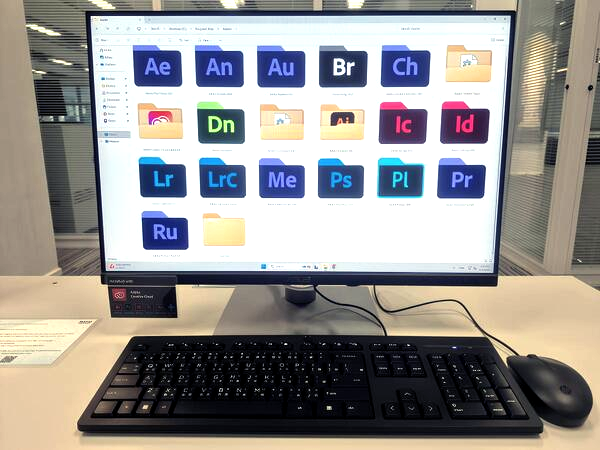
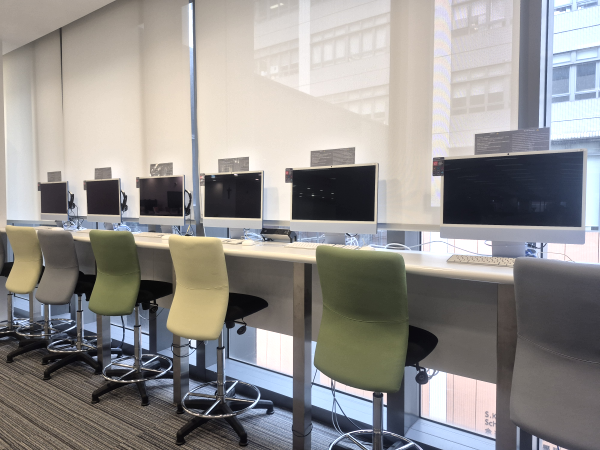
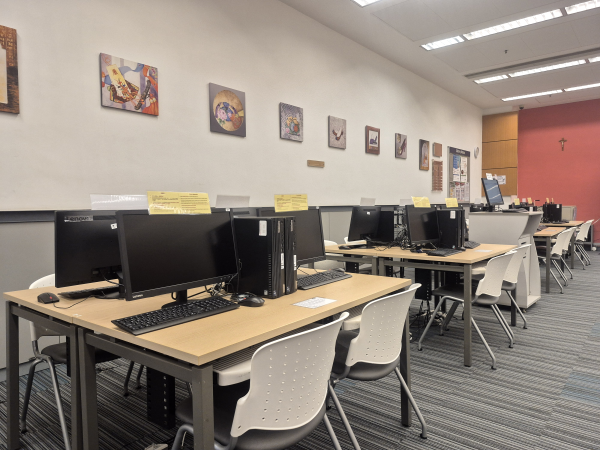
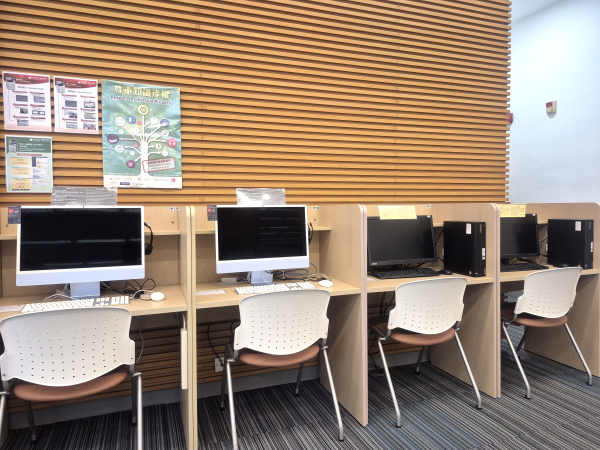
There are more than 70 workstations, including PCs and iMacs, available in the Library and the Learning Commons to support users’ learning and research needs. Users are required to login with their network account to access the Internet, explore library e-resources and use various software applications. Labels found on the monitors indicate the specific applications installed on the workstations. All workstations are connected to multi-function photocopiers / printers, enabling both black/white and colour printing.
| Software Applications | Workstation No. | Location |
|---|---|---|
| Adobe Creative Cloud | E1 – E2 E7 – E19 E25 – E29 |
Learning Commons (e-lab) |
| T9 – T14 (iMac) | Learning Commons | |
| W9 W11 W13 W15 W17 – W18 (iMac) |
Library (IT Zone) | |
| L1 (iMac) | Language Resources Centre | |
| SPSS Statistics v32 | E1 – E40 | Learning Commons (e-lab) |
| L2 | Language Resources Centre | |
| EndNote 2025 | All | Library & Learning Commons |
In using the PCs, users must read the Responsible Use of Computing Devices carefully.